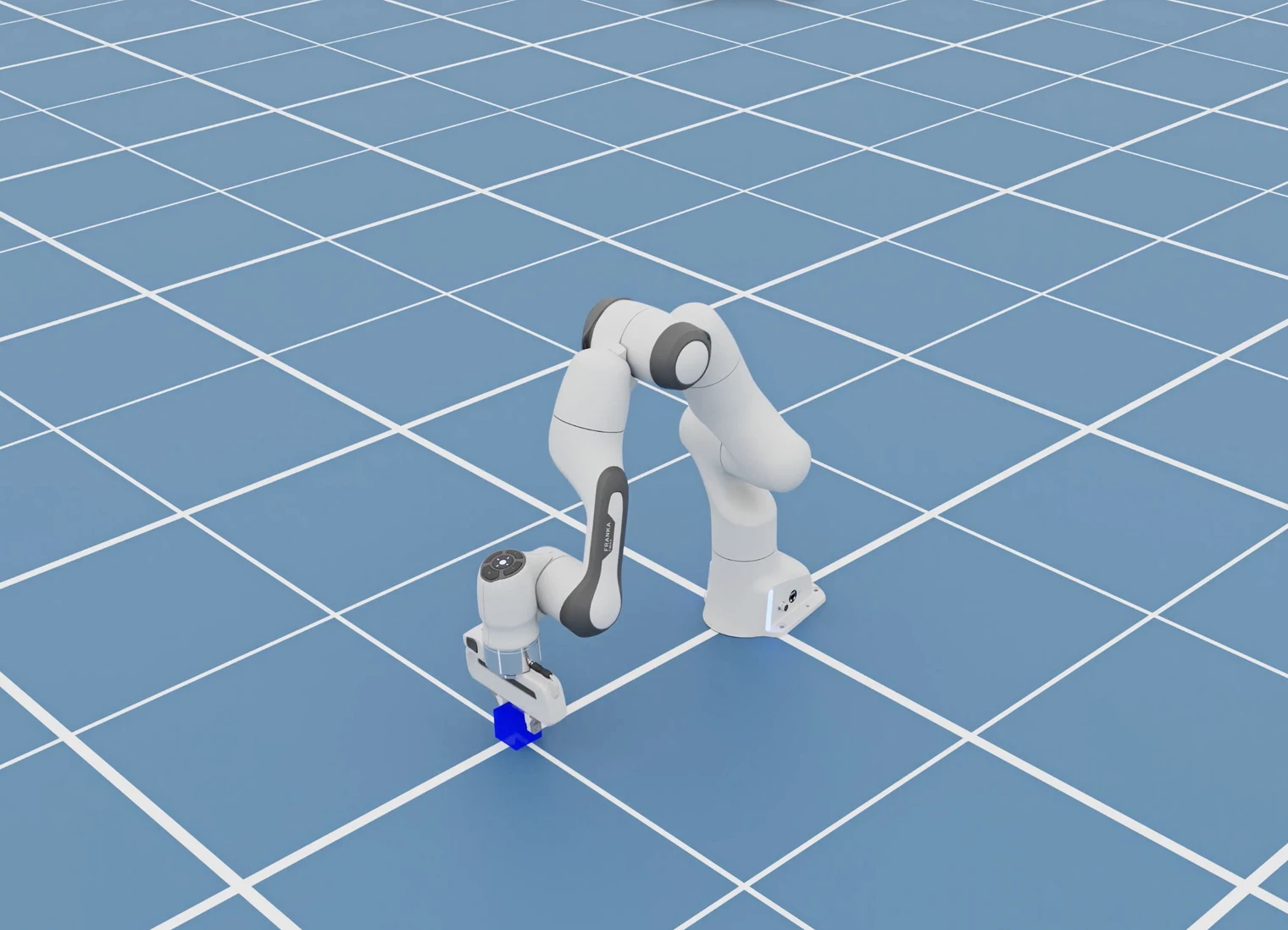
Robotics and autonomous vehicle (AV) engineers wear too many hats. Perception, simulation that matches the physical prototype, motion planning, control systems, and the code underneath all of it, all in service of getting a robot out the door that actually works. The week before the run is the expensive one, when someone has to stand up the environment, wire the storage, and wait on the scheduler.
CoreWeave Physical AI Launchables improves this process with a catalog of tested, ready-to-run Templates for the tools these engineering teams already use. Pick one, change the settings that matter, and run it with one command.
At launch, the CoreWeave Physical AI Launchables catalog covers NVIDIA Isaac Sim, CARLA, MuJoCo, NVIDIA AlpaSim, and NVIDIA Cosmos 3. It also includes the new NVIDIA Cosmos Data Factory agentic skills for Generative-AI data augmentation across video, image and text, as well as auto-labeling, data curation and retrieval. More Cosmos Data Factory workflows are coming soon as Launchables Templates.
CoreWeave engineers built and tested each Template. Whether your team has run this workload before or not, the environment is already there.
Start on a stack optimized for physical AI
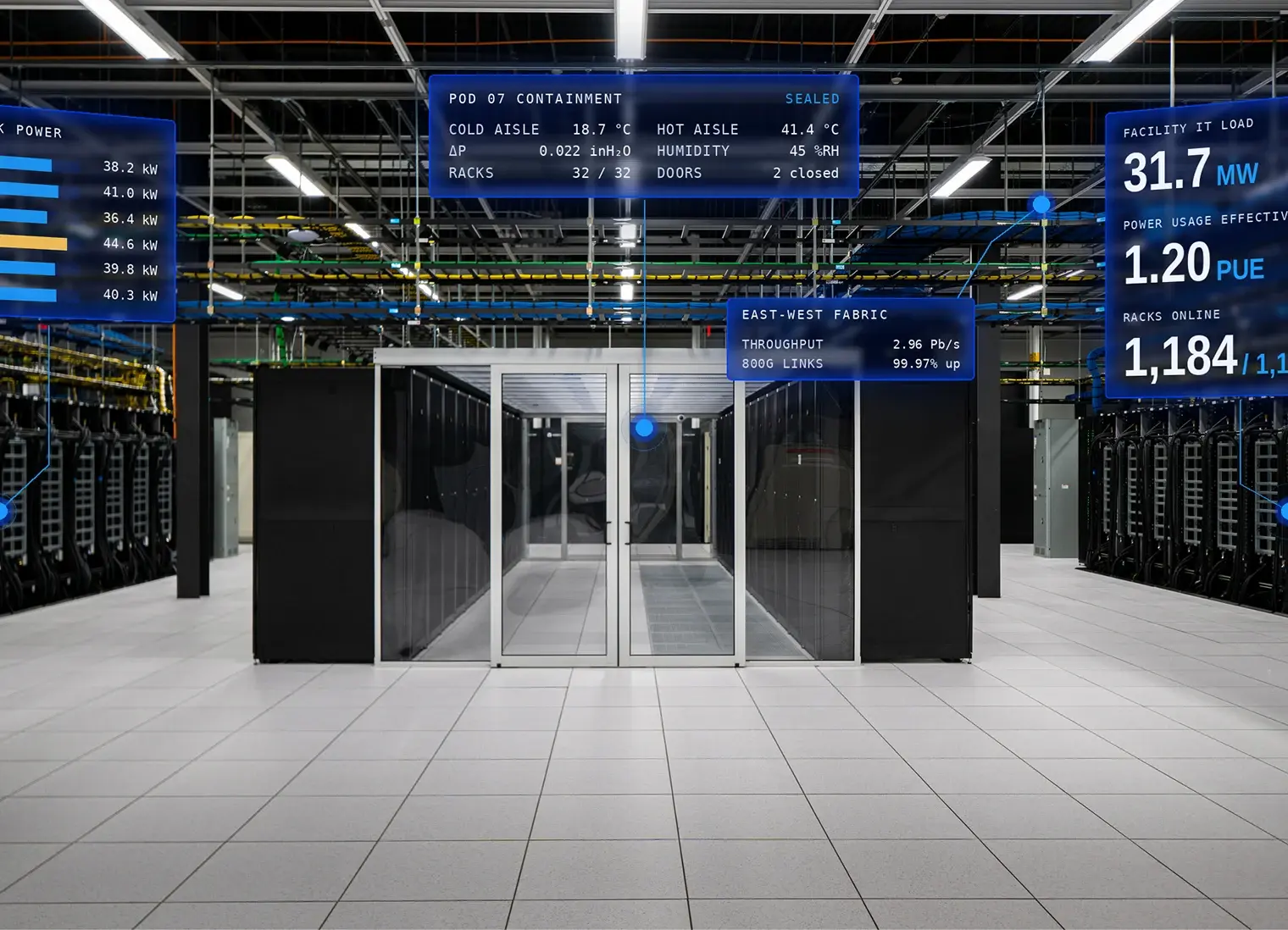
You don't need to build or operate what sits under your workloads. CoreWeave runs the layers underneath, each one engineered for AI work and connected to the next: infrastructure tuned to the workload, observability that shows how a run is performing while it runs, and CoreWeave Forge for developing and improving models and agents. All of it stays open to the tools your team already uses.
CoreWeave Physical AI Launchables adds the engineering layer on top: the software tools your team uses to develop robots, autonomous vehicles, and digital twins. That software is not ours. We integrate what your team already chose: NVIDIA Isaac Sim, CARLA, and more over time.
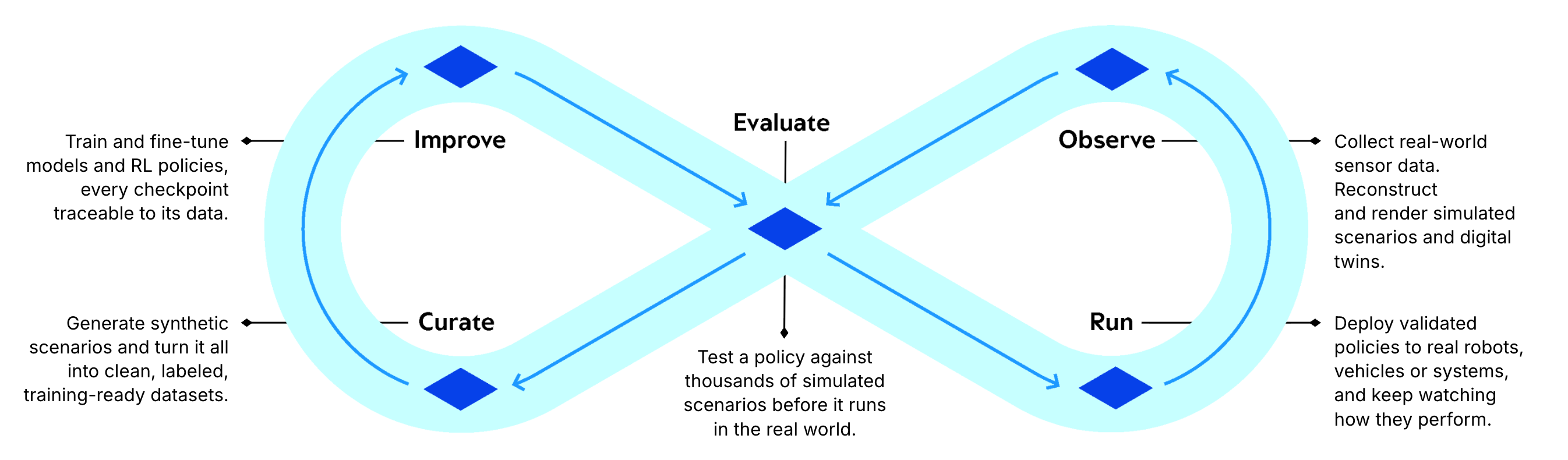
The integrations are organized around how the work gets done: models, datasets, environments, experiments, and evaluations. You choose the variables that shape your results, and we handle the infrastructure underneath. Each Template sits somewhere on the physical AI loop: observe, curate, improve, evaluate, run.
Run robotics and AV workflows
Here's what you can run on CoreWeave Physical AI Launchables today, and what’s coming soon. The catalog is organized by the software your team already uses, with Templates underneath for specific jobs: a scene to generate, a scenario set to score, a policy to train. Each one declares what it needs and what it returns, so you can tell whether it fits before you run it.
Changing one requires only a simple settings change. Pass name=value pairs on the command line to adjust scenarios, duration, parallelism, or which model is under test, then point it at your own data. And if none of the Templates matches your task, every tool ships a blank: the tested environment, with the workload left to you.
You don't need to see your specific project on the list to run it.
For deeper changes, edit the Template's application code directly in plain text. Here's an NVIDIA Isaac Sim example: variations off one baseline, each one hand-edited and launched in about 30 seconds. Nothing was scripted. When the next experiment takes that little to set up, you test more alternatives and spend more time on the results.
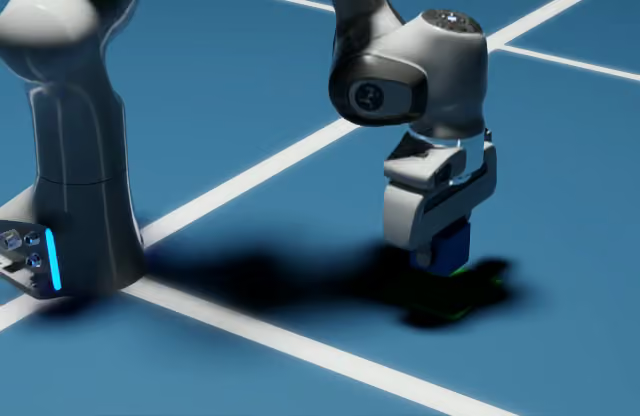
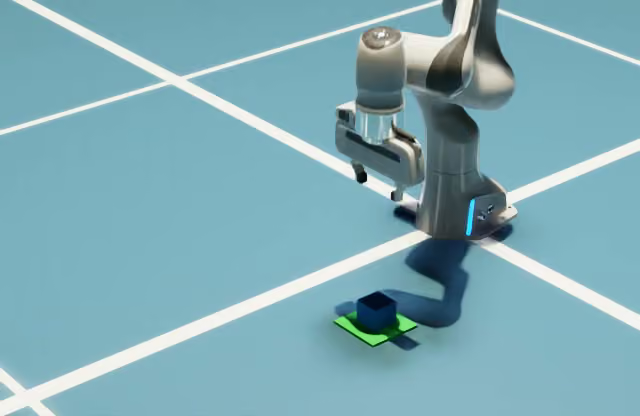
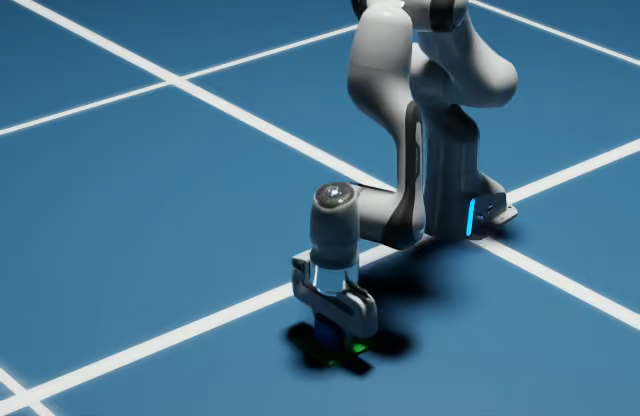
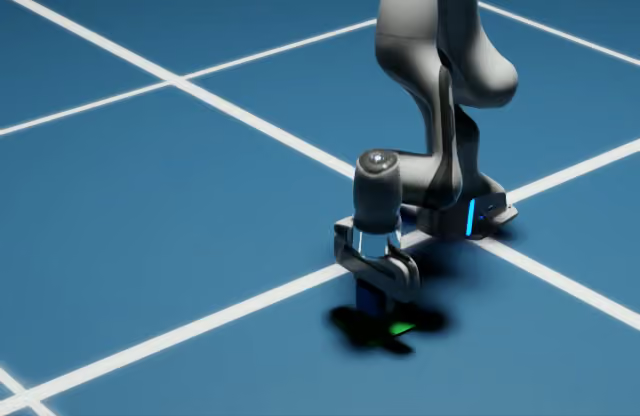
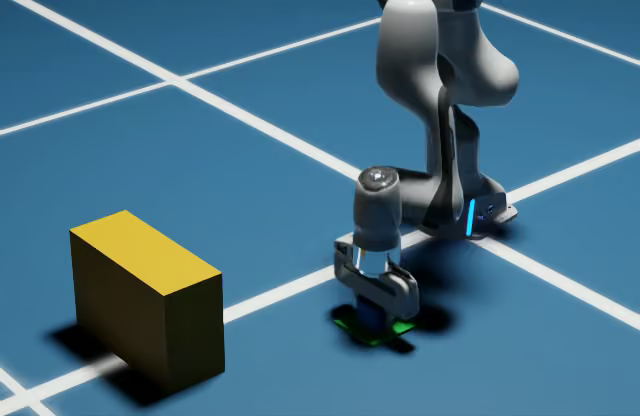
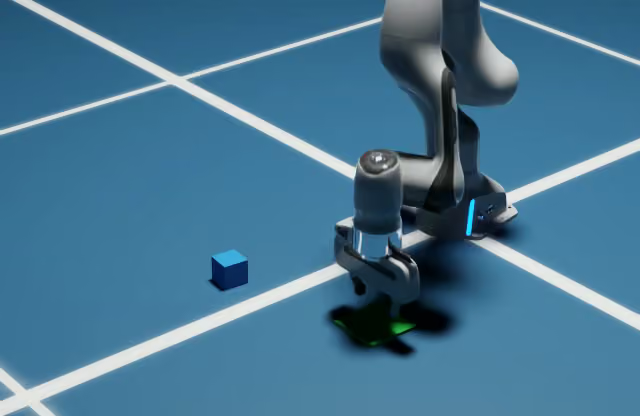
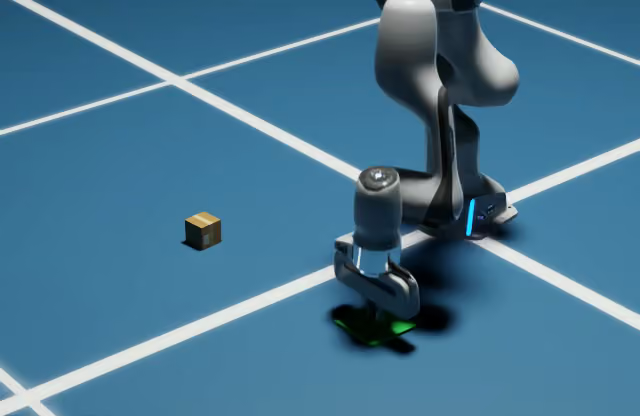
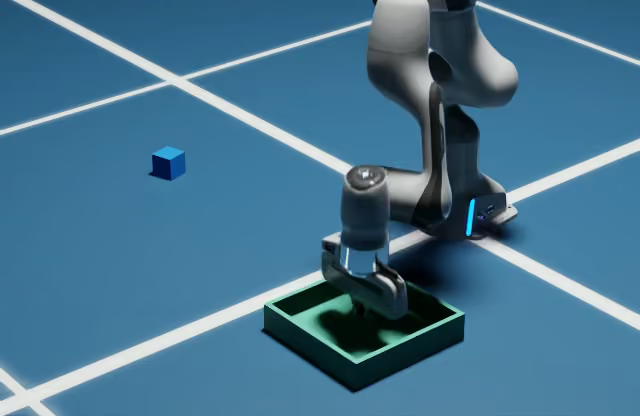
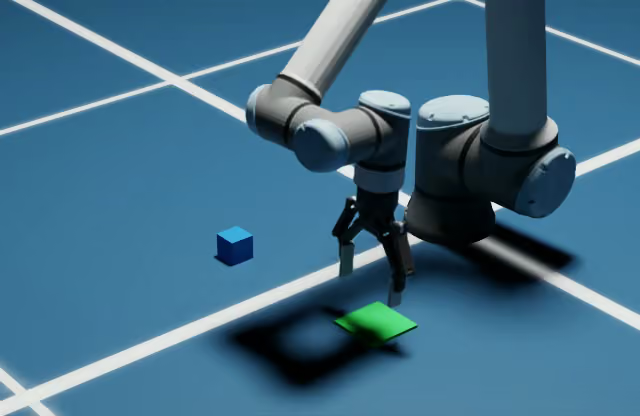
Franka arm pick-and-place Template with NVIDIA Isaac Sim
More Templates are on the way. If something essential for you is missing, reach out and tell us.
Leverage agents to run your workflows
Engineers already let agents write simulation code and drive the command line. An agent asked how to close a sim-to-real gap shouldn't spend its context working out how to stand up a cluster. It should have what it needs to do the work the team cares about.
People and agents work through the same visible workflow: its inputs, settings, runs, and results. You can inspect what an agent changed and trace the result back to the work that produced it.
NVIDIA publishes reference AI agent skills across its physical AI software. They're built to run on any cloud, so they don't prescribe how that cloud is operated. CoreWeave Physical AI Launchables ships its own specific skills on top, tuned for high performance on CoreWeave's cloud. These skills arrive with every Template, and work with Claude Code, Codex, and other coding AI agents.
What every Template gives you
Choose a Template, change the settings that matter, run it, and get the results back. The infrastructure work comes with it.
Work at the level of your domain. Start from a robotics, AV, or engineering Template and set the parameters specific to your work. The packaging, deployment, and execution happen underneath.
Reuse and adapt working Templates. Change settings or edit the application code without rebuilding what runs it. Share the result with colleagues, and the next experiment starts from something that already ran.
Keep GPUs busy on GPU work. Where the workload permits, Templates finish CPU-only preparation and post-processing before GPU execution begins, and release capacity as soon as the GPU stage ends.
Run in parallel without collisions. Each Template declares its own resource and concurrency limits, so parallel work doesn't compete with itself.
Automate through scripts and agents. Every operation is documented and every response is machine-readable. A script or a coding agent can launch a run, watch it, and retrieve the results.
Get every result back in one place. Reports, metrics, media, and diagnostics all come back through the same interface. Nothing to go digging for.
Reach CoreWeave from the tools you already use
Not everything runs through a Template. Some teams already live in a tool they like, so we’re working with software providers in physical AI to run their products on CoreWeave. The interface stays theirs and the compute runs on CoreWeave. Partners include Cadence, Convergent Science, Encord, nTop, PhysicsX, and Voxel51, spanning vision and data tooling through engineering simulation.
"Physical AI demands a new level of performance and scale across the entire AI development lifecycle, from data enrichment through to model inference. By bringing together CoreWeave's accelerated compute infrastructure and Encord's AI data platform, we're making it easier for teams to work with multimodal data and advance their AI model development."
Eric Landau, Co-founder and CEO, Encord.
"Physical AI puts extraordinary demands on infrastructure, from processing dense multimodal recordings to training and evaluating compute-intensive models. By combining Voxel51’s data workflows with CoreWeave’s high-performance compute, we’re helping developers accelerate the data flywheel, turning raw sensor data into better models with every iteration."
Brian Moore, Co-founder and CEO, Voxel51.
Point it at your own scenes and data
Start from whichever CoreWeave Physical AI Launchables Template sits closest to your work: pick-and-place with episode video, a forklift-and-pallet scene producing labeled synthetic data, or driving scenarios swept across a matrix.
Then tell us what you’re actually trying to run. We’ll point you at the Template that fits and bring the engineers who’ve already run it, whether that’s a sustained program on reserved capacity or a single burst job to test one idea.
Want the hardware details first? Our solution brief covers how to match the GPU to the workload, and what we measured running NVIDIA AlpaSim closed-loop driving simulation on NVIDIA RTX PRO 6000 Blackwell Server Edition and NVIDIA H100 GPU.